-

·
10 Steps to Delete All Photos from Facebook on Android
Facebook (FB) is a social app used for online meet with friends, searching for new friends, communicating, and uploading your activity or status in the form of text, photos and videos. You can upload many pictures or videos to your FB albums to help someone know about you. But, what if you suddenly feel distracted…
-

·
5 Steps to Install/download Kodi on Android Phone
Kodi (XBMC) is a media player application that can play video from TV, podcast, music, and other videos from browsers and all sources. Besides that, you can record videos from tv using Kodi. Installing Kodi depends on your user’s device. For the android user, you can download or install Kodi from Play Store. Follow these…
-

·
6 Easy Steps to Recover Deleted History in Google Chrome
Google Chrome is a popular search engine used by many people. Besides helping with the search, chrome also provides a search history storage. So, you can see what you search for in google chrome all time. But what if the search list is deleted? Don’t worry! You can recover the deleted history by following these…
-

·
9 Steps to Make Your Profile Private on Facebook on Android
Recently, many problems have come from social media. One of them is a problem on Facebook. All people or stalkers can see your post on Facebook and make issues from your post. Making your profile private is one of the ways to handle this problem. Here are steps to make your profile private on Facebook.…
-

·
7 Steps to Add Music to Instagram Post on Android
Adding music to IG Post is a new feature on Instagram in January 2022. So, if you want to add music, you must update your Instagram first. Then, you can follow these steps to add music to the IG post easily. 1. First, open your Instagram and tap the plus icon, and select Post. 2.…
-
·
7 Steps to Move Contacts from Phone to SD Card on Android
Contact is one of the critical things on the phone. Also, you can save many contacts on your phone. But your contacts will be lost when you change your phone. But, don’t worry! I have the solution: move your contact from your phone to SIM. So, when you change your phone, all contacts on your…
-
·
6 Steps to Remove Screen Lock Pattern or PIN on Android
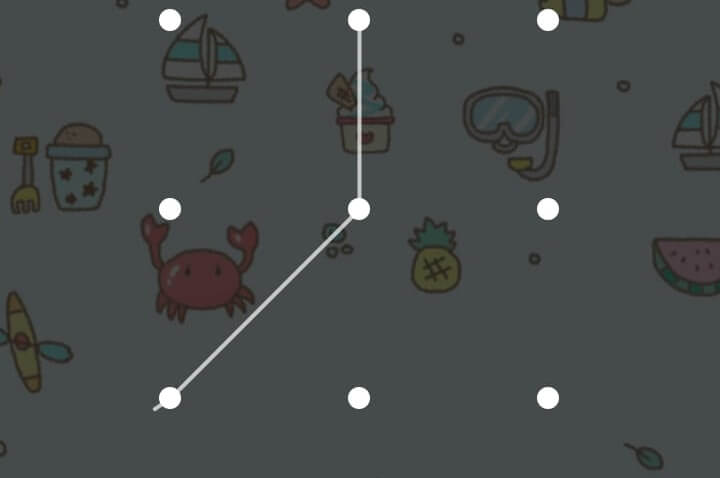
A screen lock pattern or PIN is very useful for phone security. But sometimes, you can forget your phone pattern or PIN, and it won’t be easy to open your phone. This problem will make you think about not using the screen lock pattern or PIN again. So, you can remove your screen lock pattern…
-
·
8 Steps to Combine Songs into One Album on Android
You can follow these steps if you want to combine songs into one album. 1. First, open your File Manager. 2. Then, click Local files. 3. After that, select storage for your album, Device storage or SD card. 4. Next, add a new folder by tapping New. 5. Then, write your album name, for example,…
-

·
5 Steps to Uninstall Google Play Service Updates on Android
Here are the steps to uninstall Google Play service updates for android users. 1. First of all, open Settings. 2. Then, click Applications and Permissions. 3. After that, select App manager. 4. Next, scroll to search Google Play services and click it. 5. Last, click Uninstall updates and wait for the Google Play services will…
-
·
5 Steps to Save Contacts Number to Sim Card on Android
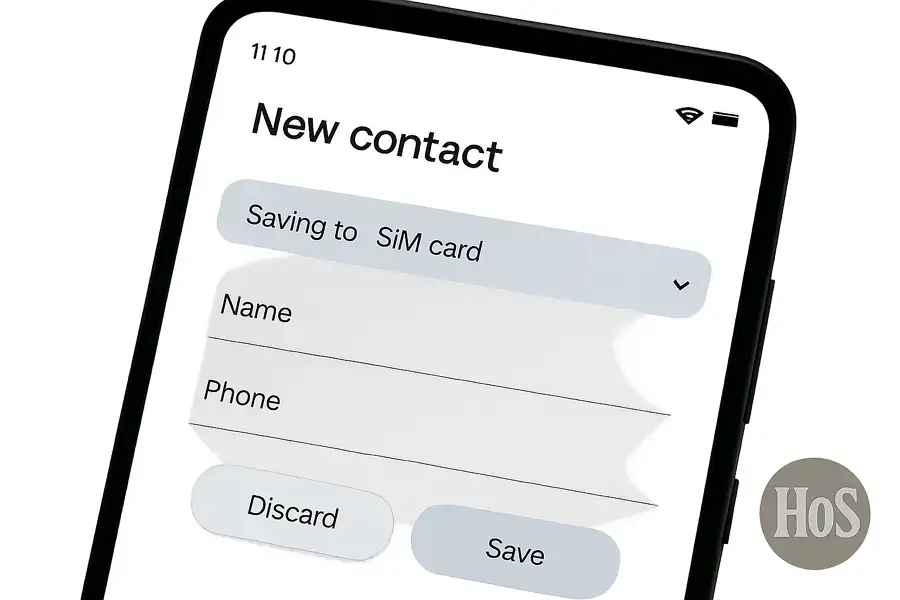
Losing numbers is frustrating. Sometimes I switch phones or reset one, and poof, some numbers just disappear. Lots of Android users face this, especially if contacts are just stored on the phone or in the cloud. There’s a quick fix that keeps things simple, just by saving numbers straight to the sim card. This way,…