-
·
7 Steps to Move Contacts from Phone to SD Card on Android
Contact is one of the critical things on the phone. Also, you can save many contacts on your phone. But your contacts will be lost when you change your phone. But, don’t worry! I have the solution: move your contact from your phone to SIM. So, when you change your phone, all contacts on your…
-

·
6 Steps to Remove Screen Lock Pattern or PIN on Android
A screen lock pattern or PIN is very useful for phone security. But sometimes, you can forget your phone pattern or PIN, and it won’t be easy to open your phone. This problem will make you think about not using the screen lock pattern or PIN again. So, you can remove your screen lock pattern…
-
·
8 Steps to Combine Songs into One Album on Android
You can follow these steps if you want to combine songs into one album. 1. First, open your File Manager. 2. Then, click Local files. 3. After that, select storage for your album, Device storage or SD card. 4. Next, add a new folder by tapping New. 5. Then, write your album name, for example,…
-

·
5 Steps to Uninstall Google Play Service Updates on Android
Here are the steps to uninstall Google Play service updates for android users. 1. First of all, open Settings. 2. Then, click Applications and Permissions. 3. After that, select App manager. 4. Next, scroll to search Google Play services and click it. 5. Last, click Uninstall updates and wait for the Google Play services will…
-
·
5 Steps to Save Contacts Number to Sim Card on Android
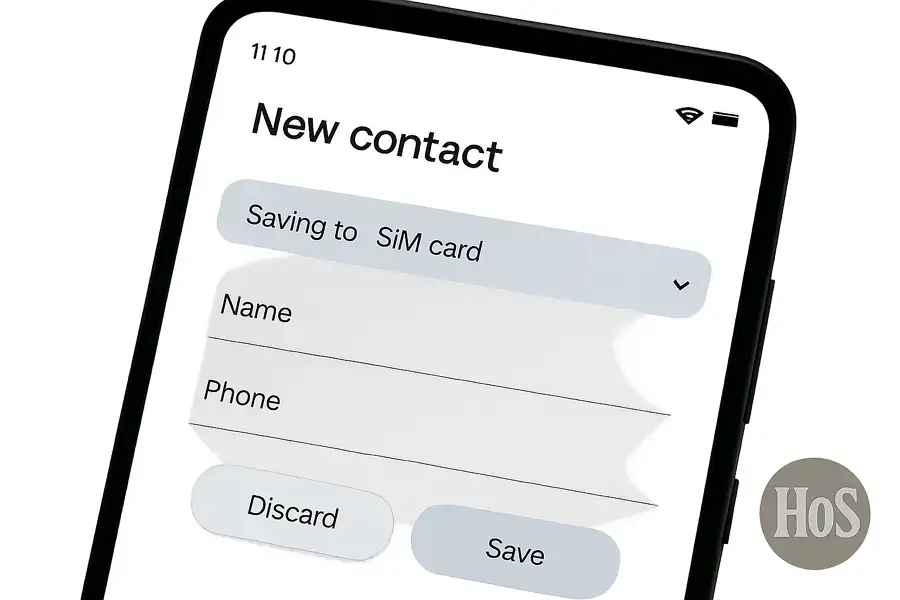
Losing numbers is frustrating. Sometimes I switch phones or reset one, and poof, some numbers just disappear. Lots of Android users face this, especially if contacts are just stored on the phone or in the cloud. There’s a quick fix that keeps things simple, just by saving numbers straight to the sim card. This way,…
-
·
5 Steps to Retrieve Deleted Phone Numbers on Android
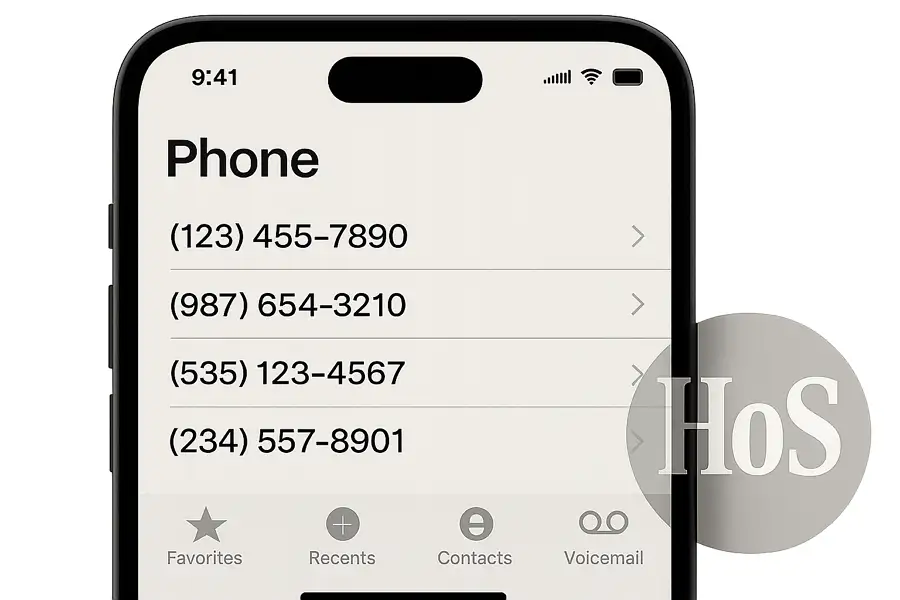
Ever had that mini panic when you realized a number you need just vanished from your phone? Happens to the best of us, especially after freshening up our contacts or switching phones. Luckily, Android phones built around Google accounts make it possible to pull deleted phone numbers back, as long as backups were active. I’ll…
-
·
4 Steps to Add Google Search Bar to Home Screen on Android
Ever find yourself swiping through apps just trying to search something fast? Having the Google search bar right on your home screen seriously saves time and makes it much easier to look up stuff without opening any extra apps. I get it, sometimes that search bar just disappears, or maybe you bought a new phone…
-

·
4 Steps to Recover Deleted Photos from Gallery on Android
Ever lost photos from your Android and found yourself scrolling, hoping there’s a way to bring them back? Been there. Losing pictures can be super annoying, especially when it’s that one shot you waited for all day. Here’s what I found: there’s hope if you act fast and follow the right process. If your shots…
-

·
6 Steps to Unlock an Android Password Without Factory Reset
Ever stared at your Android and totally blanked on your password? Maybe it’s a pattern you set at 2am or a PIN your fingers just won’t remember. Whatever happened, getting locked out of your phone is stressful, especially if you don’t want to lose photos, chats, or docs stashed on your device. A lot of…