-
·
3 Steps to Know Followers on an Instagram Private Account
Trying to view the followers of a private Instagram account can be tricky. Instagram’s privacy settings are designed to protect user privacy by limiting access to private profiles. However, there are a few legitimate methods you can try to reveal some of the followers of a private account. Here are the key things you need…
-

·
6 Steps to Get Auto-Captions on Instagram Stories
Instagram recently introduced a great accessibility feature – auto-captions for Stories. This allows creators to easily add captions to their Story videos, making them more inclusive. Adding auto-captions to Stories is a breeze. Follow these simple steps: Enable Captions on Instagram The first thing you need to do is enable captions in the Instagram app.…
-
·
3 Steps to Share Audio on Facebook Messenger
Facebook Messenger is a popular messaging platform used by billions of people around the world. It offers features like text messaging, group chats, video calls, and more. One useful but lesser known Messenger feature is the ability to share audio files like music or podcasts. Sharing audio on Messenger is easy and allows you to…
-

·
5 Steps to Use Facebook Dating App on Android
Facebook Dating is a feature within the Facebook app designed to help users find meaningful relationships through things they have in common, like interests, events, and groups. It’s a free service that leverages the existing Facebook audience and integrates various unique features to enhance the dating experience. In this article, we’ll guide you through the…
-
·
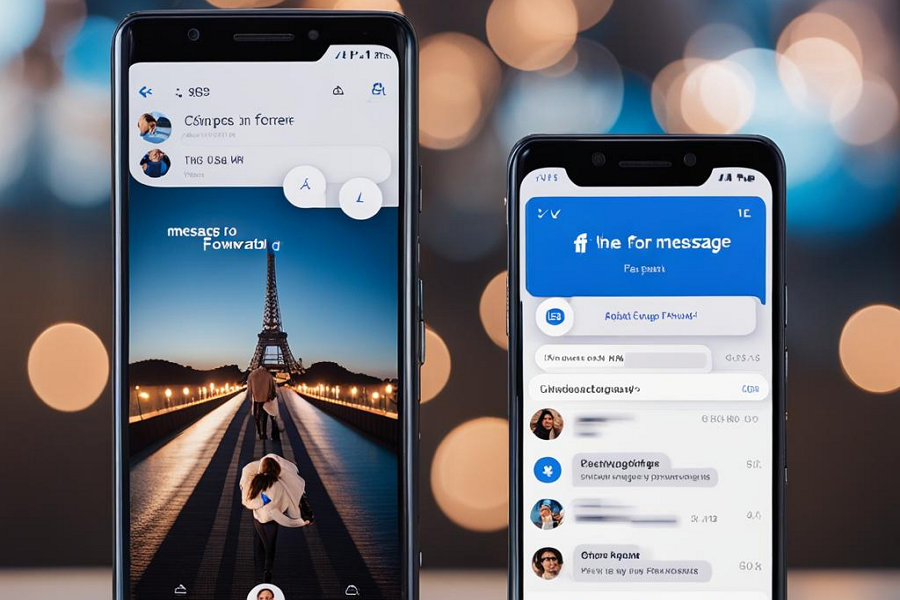
6 Steps to Forward a Message in Messenger on Android
In the digital age, instant messaging apps like Facebook Messenger have become essential tools for communication. They allow us to stay connected with others no matter where we are. One of the useful features of these apps is the ability to forward messages. This can be particularly handy when you want to share a message…
-

·
5 Steps to Use Bitmoji on Instagram on iPhone
Bitmoji is a popular app that allows users to create personalized avatars and use them across various social media platforms, including Instagram. This article will guide you through the steps to use Bitmoji on Instagram on your iPhone. Steps Step 1: Install the Bitmoji App First, you need to install the Bitmoji app from the…
-
·
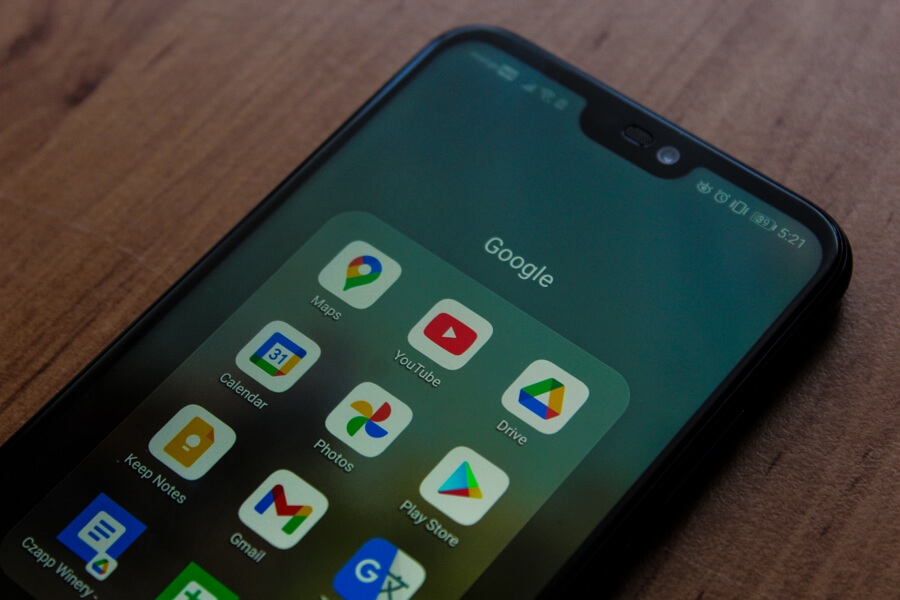
4 Steps to Stop Promotions in Gmail on Android
Promotional emails can quickly clutter up your inbox and make it harder to find important messages. Fortunately, Gmail allows you to disable the Promotions tab on Android so marketing emails no longer show up in a separate tab. Instead, they will go to your primary inbox where you can then filter and organize them further.…
-
·
4 Steps to Share a YouTube Video on Android
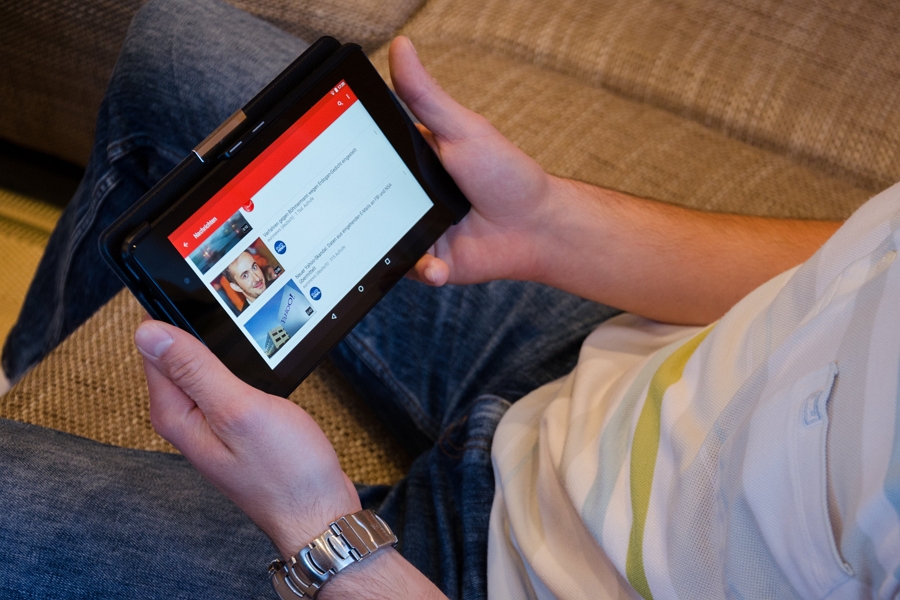
Sharing YouTube videos with your friends and followers is a great way to recommend content you enjoyed or found interesting. On Android devices, sharing YouTube videos is easy and straightforward. In this article, we will walk you through the step-by-step process to share a YouTube video from your Android device. Follow these simple steps to…
-

·
4 Steps to Turn Off Messenger Bubble Notifications on Android
Facebook Messenger is one of the most popular messaging apps, used by billions of people worldwide. The app introduced a useful feature called chat bubbles back in 2013, which displays a small circular icon with your friend’s profile picture when you receive a new message. You can tap on this chat bubble to view and…
-

·
10 Steps to Enable End-to-End Encryption in WhatsApp for Android
WhatsApp uses end-to-end encryption to secure your messages, calls, photos, videos and voice messages. This means only you and the person you are communicating with can read or listen to them, and nobody in between, not even WhatsApp. While WhatsApp enables end-to-end encryption by default for chats, you need to manually turn it on for…