-

·
4 Steps to Restore Calendar on Android Phone
Calendars on our phones are extremely important for keeping track of events, appointments, birthdays, and other important dates. However, sometimes calendar data can get deleted or lost due to issues like accidental deletion, OS updates, switching phones, etc. Losing calendar data can be frustrating as you may miss out on events or appointments. The good…
-
·
5 Steps to Fix White Screen on Android Phone
Seeing a white screen suddenly appear on your Android phone can be frustrating. This issue, often called the White Screen of Death, prevents you from properly using your device. However, there are several potential solutions to try and fix this problem. Main Causes The white screen on Android phones usually occurs due to the following…
-

·
3 Steps to Open HEIC Files on Android
HEIC (High Efficiency Image File Format) is an image file format developed by Apple and used as the default format to store photos and images captured on iOS devices. However, HEIC files may not be natively supported on Android devices, especially older models, so additional steps are required to open and view these files. This…
-
·
6 Steps to Transfer Data from Phone to SD Card Android
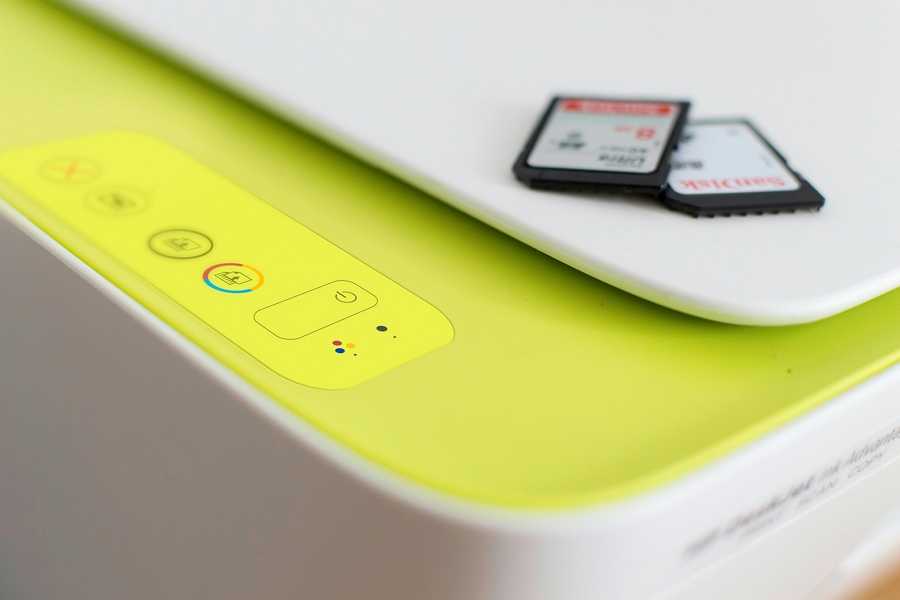
Transferring data from your phone’s internal storage to an SD card is a great way to free up space on your device. SD cards provide additional, removable storage that you can use to store photos, videos, music, documents, and other files. While Android makes it relatively easy to move your files to external storage, the…
-
·
5 Steps to Delete Multiple iCloud Contacts on iPhone
Keeping your iPhone contacts organized and up-to-date is important for easily staying in touch with friends, family, and colleagues. However, over time your contacts list can become cluttered with duplicate or outdated information. Deleting multiple contacts on your iPhone can help streamline your address book and ensure you have current details for the people you…
-

·
3 Steps to Enable App Store on Android
The app store allows android users to easily discover, download and install mobile applications on their devices. The default app store on android is the Google Play Store, which comes pre-installed on most android devices. However, there may be situations where the Google Play Store is disabled or you want to use an alternative app…
-
·
3 Steps to Transfer Music from Android to iPhone via Bluetooth
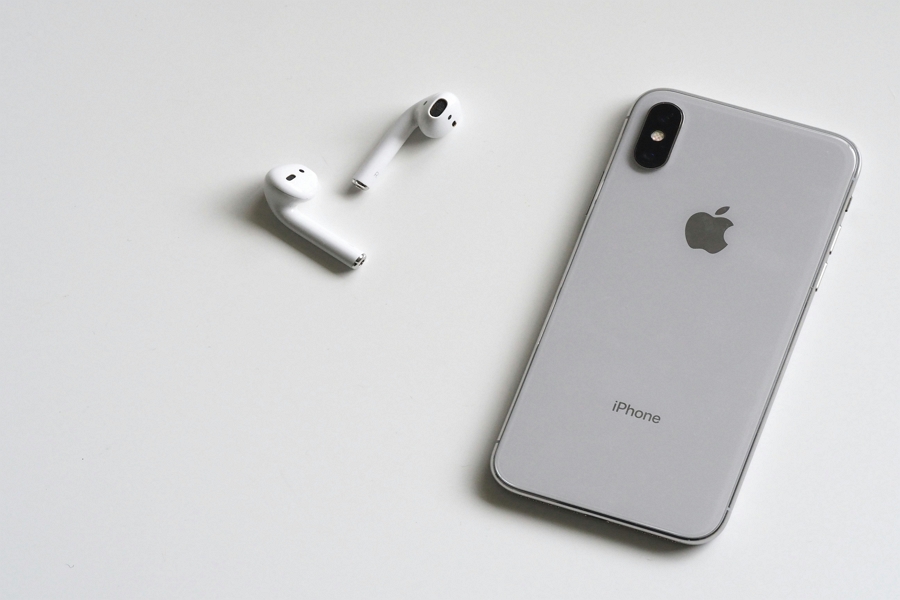
You’ve built up an extensive music library on your Android phone over the years. But now you’ve decided to switch over to an iPhone. Naturally, you want to bring all your favorite tunes along for the ride. The idea of having to manually move over gigabytes of music is not very appealing. Is there an…
-

·
4 Steps to Delete Documents and Data on iPhone without Deleting App
It’s common for iPhone users to run into storage issues over time as documents, data, photos, videos, and other files accumulate. Many apps store data locally on your iPhone in a folder called Documents & Data, which can quickly eat up your available storage space. When storage space runs low, it can cause problems like…
-
·
3 Steps to Recover Photos from Broken iPhone without iCloud
Losing photos stored on your iPhone due to a broken screen or other damage can be extremely upsetting. Those photos may include irreplaceable memories and moments that you cherish. The good news is that there are methods to recover photos from a broken iPhone even without an iCloud backup. 1. Use iTunes Backup The easiest…
-
·
2 Steps to Transfer Photos from iPhone to Flash Drive
As we continue capturing more photos and videos with our iPhone’s powerful cameras, the limited storage capacity quickly fills up. Offloading these files to a flash drive not only frees up space to continue taking pics but also serves as a backup if anything happens to your phone. In this guide, we provide easy methods…