
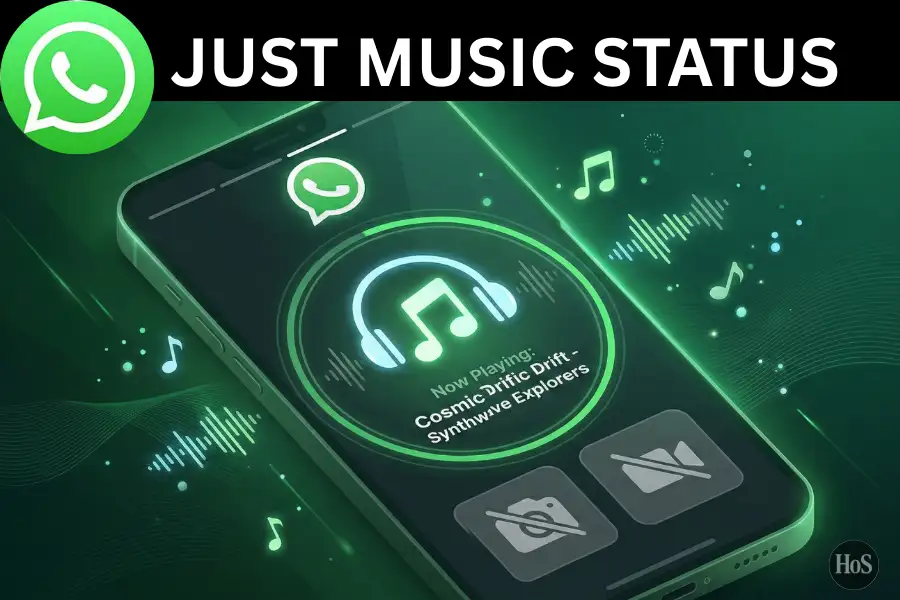
Ever scrolled past someone’s WhatsApp status and heard a song playing with no photo or video showing up? 🎵 That’s the music-only status feature in action, and it’s way simpler to use than most people think. A lot of users still don’t know this option exists, so they end up using workarounds like screen recording or slapping a black background on a video clip. None of that is needed anymore.
WhatsApp now has a built-in music library that lets you post a song directly as your status update without attaching any media at all. The feature works on both Android and iPhone, and it pulls songs from a licensed music catalog right inside the app. It’s been rolling out globally since 2025, so if your app is updated, there’s a good chance you already have it. No third-party apps, no screen recording, just your favorite track going live for your contacts. 🎶
In this post, I’m going to walk you through exactly how to do it, step by step. I’ll explain what this feature is, why it’s worth using over the usual photo or video status, and then break down the full steps to get it done fast. This works whether you’re on Android or iPhone, so stick around.
What the WhatsApp Music Status Feature Actually Is
WhatsApp Status works like Stories on Instagram or Snapchat, where updates disappear after 24 hours. For a long time, the only options were text, photos, and videos. But with newer updates, WhatsApp added a dedicated music option that pulls from a licensed song library, similar to what you’d find on Instagram Reels or TikTok. 🎧
This means when someone views your status, they hear the actual song playing in the background with no video, no photo required. The music plays over a clean song card that shows the track name and artist. WhatsApp gets its music from partnerships with major record labels, so you’ll find popular tracks, trending songs, and classics in there.
One thing to keep in mind is that music availability can vary by region due to licensing agreements. If a song isn’t available in your country, it simply won’t show up in the search results. But in most cases, the catalog is wide enough to cover a good range of genres and artists.
Why Skipping Photos and Videos for Your Music Status Makes Total Sense
Sometimes you just want to share a vibe without putting your face or a video out there. 😅 A music-only status keeps things simple and lets the song do all the talking. It’s also faster to set up since you skip the whole process of picking or editing a photo or video before posting.
Another reason this works well is that it feels more personal and less like a social media performance. You’re just saying “hey, I’m listening to this right now” without any extra effort. It’s especially great when you want to share something that matches your mood for the day or just hype up a track you love.
The song card that appears on your status also looks clean and minimal. Your contacts see the song title and artist name clearly, which can actually spark conversations. Someone might reply asking about the track, and boom, you’ve got a natural interaction going without doing much at all.
Steps to Posting Music on WhatsApp Status Without Any Photos or Videos
-
Open the Google Play Store or App Store and update WhatsApp to the latest version on your phone.
-
Open WhatsApp and tap on the Updates tab at the bottom of your screen.
-
Tap the Add Status button or the plus icon next to your profile photo.
-
On the status creation screen, look for the music note icon or the Music option (skip the camera and gallery icons completely).
-
Tap the music note icon to open WhatsApp’s built-in music library.
-
Use the search bar to type in the song title or artist name you want.
-
Tap on the song from the search results to select it.
-
Drag the slider to choose which part of the song you want to play in your status (usually up to 15 seconds).
-
Tap Done to confirm your selection.
-
Tap the green send button to post your music-only status for all your contacts to hear. 🎉
Conclusion
Posting a music status on WhatsApp without photos or videos is honestly one of the easiest things to do once you know where to look. 🎵 The built-in music feature handles everything, from finding the song to showing a clean card to your contacts, all without you touching a single media file.
Just keep your app updated and follow the steps above, and you’re set. It’s a low-effort way to share what you’re listening to and vibe with your contacts without the hassle of creating or uploading any content.
FAQs
Does the WhatsApp music status feature work on both Android and iPhone?
Yes, it’s available on both Android and iPhone as long as your WhatsApp is updated to the latest version.
Why don’t I see the music option on my WhatsApp status screen?
The feature is still rolling out globally, so try updating WhatsApp from your app store first, or just wait a few days for the update to hit your account.
How long does the music play on a WhatsApp music-only status?
The song plays for up to 15 seconds per status update, which is the standard length for this type of post.
Can all my contacts hear the music when they view my status?
Yes, anyone who opens your status will hear the music playing automatically as long as their phone volume is turned on.
Is the music inside WhatsApp free to use for status updates?
Yes, the music library is licensed and completely free for users, though some tracks may not be available depending on your region.