-
·
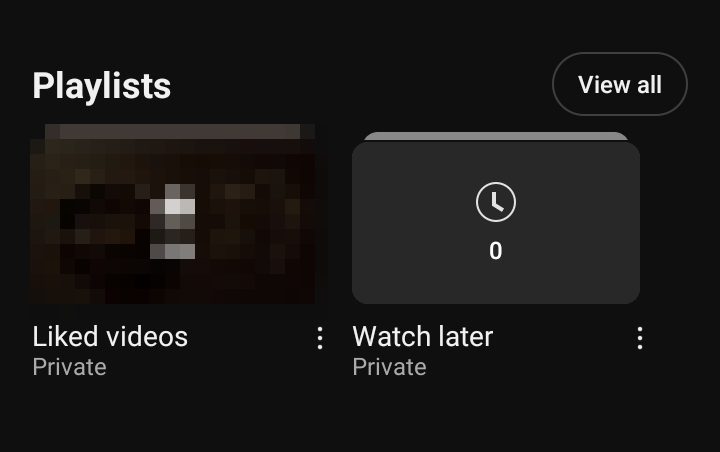
6 Steps to Remove a Playlist from YouTube Library on Phone
YouTube’s mobile app offers a convenient way to manage your content, including playlists. Whether you’ve created the playlist yourself or saved one from another creator, the process of removing it from your library is similar. However, it’s important to note that the steps may vary slightly depending on whether you’re deleting your own playlist or…
-

·
7 Steps to Set an Alarm on Your Phone
Smartphones have revolutionized the way we manage our daily schedules, and the alarm feature is a prime example of this convenience. Gone are the days of bulky bedside alarm clocks – now, a powerful alarm system is always within reach. Understanding how to set and customize alarms on your phone can help you stay punctual,…
-

·
8 Steps to Change the Font in Google Docs on Your Phone or Tablet
Google Docs is a powerful word processing app that lets you create, edit, and collaborate on documents from your computer, phone, or tablet. One of the great features of Google Docs is the ability to customize the look of your text by changing the font. Whether you want to make your document more visually appealing…
-

·
3 Steps to Enable Chrome Updates on Android
Google Chrome is the most popular web browser, with over 2.65 billion users worldwide across desktop and mobile platforms. Keeping Chrome updated is important to ensure you have access to the latest features, performance improvements, and security fixes. On Android devices, Chrome updates are delivered through the Google Play Store. In most cases, Chrome will…
-
·
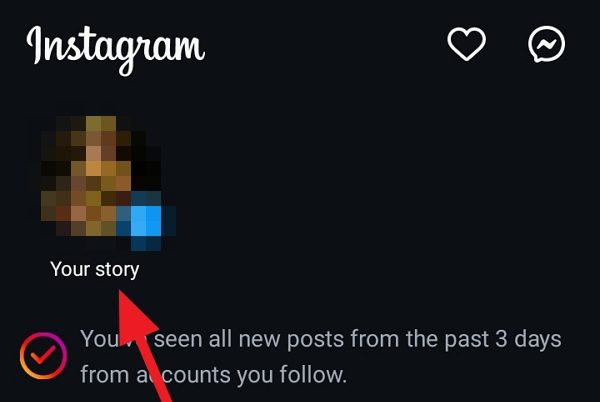
6 Steps to Highlight Text on Your Instagram Story
Instagram Stories are a fantastic way to engage with your followers and share snippets of your day-to-day life. One great feature is the ability to highlight text in your stories, making certain words or phrases stand out. Highlighting text can help emphasize important information, add visual interest, or simply make your story more eye-catching. In…
-

·
4 Steps to Export All Your Emails from Gmail
If you’re looking to backup your Gmail emails, switch to a different email provider, or simply want a local copy of all your messages, you can easily export your entire Gmail mailbox. In this guide, we’ll walk you through the steps to download all your emails from Gmail using Google’s Takeout feature. Why Export Your…
-
·
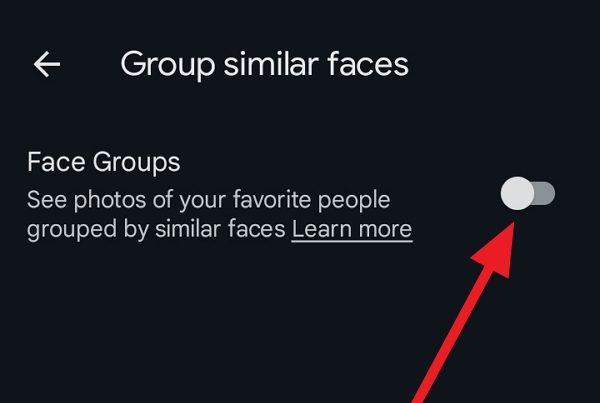
7 Steps to Add Face in Google Photos Android
Google Photos is one of the most popular photo storage and organization apps available today. One of its standout features is the ability to automatically recognize and group faces of people and pets in your photos. This makes it incredibly easy to find photos of specific people later without having to manually tag or sort…
-
·
7 Steps to Outline Text in Canva on Your Phone
Have you ever wanted to make your text really pop in your Canva designs? Outlining your text is a great way to add visual interest and make certain words or phrases stand out. The good news is that it’s really easy to outline text in Canva, even on your phone! In this article, we’ll walk…
-
·
5 Steps to Open Apps in Google Chrome
Google Chrome is one of the most popular web browsers, known for its speed, simplicity, and extensive library of apps and extensions. Chrome apps provide additional functionality and can help boost your productivity. In this guide, we’ll walk through the steps to open apps in Google Chrome on your computer. What are Chrome Apps? Chrome…
-

·
6 Steps to Convert YouTube Videos to MP3 Files for Free
YouTube is an incredible resource for discovering and enjoying music. However, sometimes you may want to listen to your favorite songs offline without needing an internet connection. Luckily, there are several free and easy ways to convert YouTube videos into MP3 audio files that you can save on your computer or mobile device. In this…