
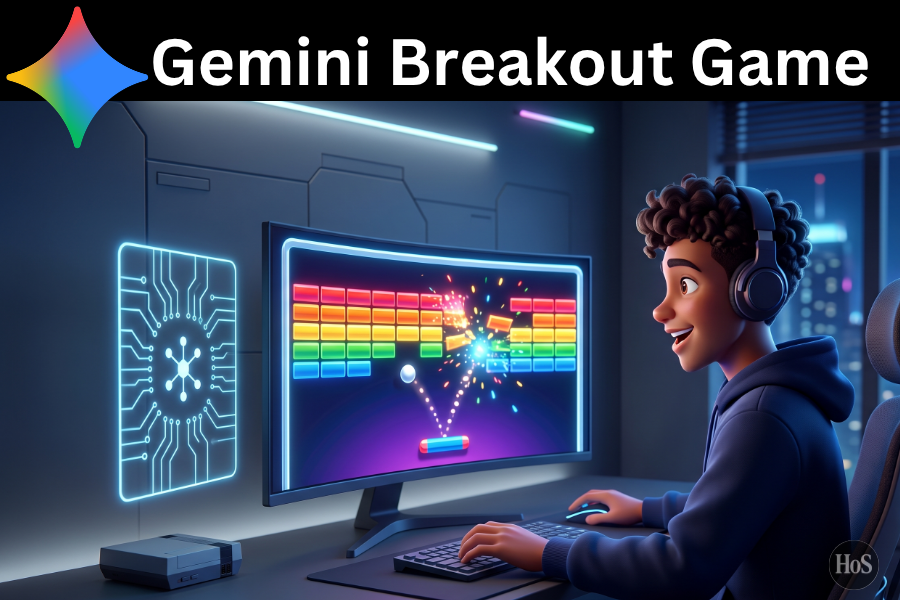
Making an Atari Breakout game sounds hard at first, especially when the goal is to do it with just one prompt in Gemini AI. The good part is that this kind of game is one of the easiest arcade projects to generate because the rules are clear, the layout is simple, and the core parts repeat in a clean loop. A basic Breakout game usually needs an HTML5 canvas, a paddle, a ball, bricks, collision logic, and a score system.
A lot of people get stuck because AI can return messy code, missing features, or a game that looks playable but breaks after a few seconds 😅. That usually happens when the prompt is too vague and does not explain the game structure well enough. A stronger prompt fixes that by telling Gemini what to build, how the game should work, and what features need to be included.
This guide breaks the process into simple parts so the result feels more usable and less random 🎮. It covers what makes this type of prompt work, how to write one prompt that gives better output, and what to check after Gemini generates the game. The goal is not just to get code, but to get a playable Atari Breakout style game that actually works in a browser.
Why Atari Breakout Works So Well for One Prompt Game Creation
Atari Breakout is a great fit for one prompt game building because the game loop is simple and easy for AI to follow. A working version usually needs a paddle at the bottom, a bouncing ball, a brick grid, wall collisions, paddle collisions, and basic win or lose states. Tutorials for browser versions of Breakout often use HTML5 canvas with JavaScript because it gives direct control over drawing and motion on the screen.
Another reason this project works well is that the game logic is modular 🧩. The paddle can be drawn as a rectangle, the ball can move with X and Y speed values, and bricks can be stored in an array and removed after collision. Good browser based Breakout tutorials also show that score tracking, reset logic, and start buttons are common features, so adding those to a Gemini prompt makes the generated output much stronger.
Writing the prompt with these parts in mind gives Gemini a clearer job. Instead of asking for a game in general, the prompt can define the layout, controls, scoring, win screen, and restart behavior in one shot. That makes the result closer to a real playable arcade clone instead of a rough demo.
Step by Step Prompt to Generate the Game in Gemini AI
- Open Gemini AI and start a new chat so the game request stays focused.
- Ask for a complete Atari Breakout style browser game built with HTML, CSS, and JavaScript in one file.
- Specify that the game must use an HTML5 canvas for drawing the paddle, ball, and bricks.
- Tell Gemini to add mouse and keyboard controls for moving the paddle left and right.
- Request brick collision, wall collision, paddle bounce logic, score tracking, and lives.
- Ask for a start screen, game over screen, win screen, and restart button.
- Tell Gemini to keep the code clean, playable, and easy to copy into a browser file.
- Request responsive sizing so the game still works decently on smaller screens.
- Ask Gemini to return the full code only, with no long explanation, so it is easier to paste and test.
General Prompt to Use
Create a classic Atari Breakout style game in one complete HTML file using HTML, CSS, and vanilla JavaScript. Use an HTML5 canvas for the gameplay area. Add a paddle at the bottom controlled by keyboard arrow keys and mouse movement, a ball that bounces off walls and the paddle, and a grid of bricks that disappear when hit. Include score tracking, lives, a start screen, a game over screen, a win screen, and a restart button. Make the design clean and retro, keep the code organized, and make sure the game runs directly in a browser after saving the file.
What to Check After Gemini Generates the Code
The first thing to check is whether the game opens and runs in a browser without missing parts. In many Breakout tutorials, the game depends on a proper canvas area, a smooth animation loop, and code that clears and redraws each frame, so broken motion or visual trails usually mean the loop is not set up right. If the paddle moves, the ball bounces, and the bricks disappear on hit, the core structure is already in good shape ✅.
The next thing to check is gameplay feel. A generated game can technically work but still feel off if the paddle speed is weird, the ball is too fast, or the collision logic misses the edges of bricks. It also helps to test whether the score updates, lives decrease correctly, and the game resets cleanly after a loss or a win.
A final pass should focus on polish ✨. Look for clear text on screen, simple retro styling, and buttons that actually restart the game without refreshing errors. If one part feels weak, the fastest move is to paste the same code back into Gemini and ask it to improve that exact feature instead of rewriting the whole game.
Conclusion
Building an Atari Breakout game with one Gemini prompt is very doable when the request is specific and grounded in the core parts of the game. A strong prompt gives Gemini the structure it needs, and that usually leads to cleaner code, better controls, and a more playable result.
The smart move is to treat the first output like a playable draft, not the final version 😊. Once the main game loop works, small fixes and upgrades can turn a basic AI generated file into a fun retro browser game.
FAQs
Can Gemini really make a full Breakout game with one prompt?
Yes, it can generate a playable browser version when the prompt clearly asks for the paddle, ball, bricks, collisions, score, and game states.
What format should the game use?
The easiest format is one HTML file with built in CSS and JavaScript because it is quick to copy, save, and test in a browser.
Why is HTML5 canvas used for this game?
HTML5 canvas is commonly used for simple browser games because it lets the game draw shapes, movement, and collisions directly on the screen.
What should be added if the first result feels too basic?
Useful upgrades include sound effects, multiple levels, better brick patterns, power ups, and smoother restart behavior.
Is one prompt enough for a polished final game?
One prompt is enough for a solid starting version, but a few follow up fixes usually make the game feel much better.