
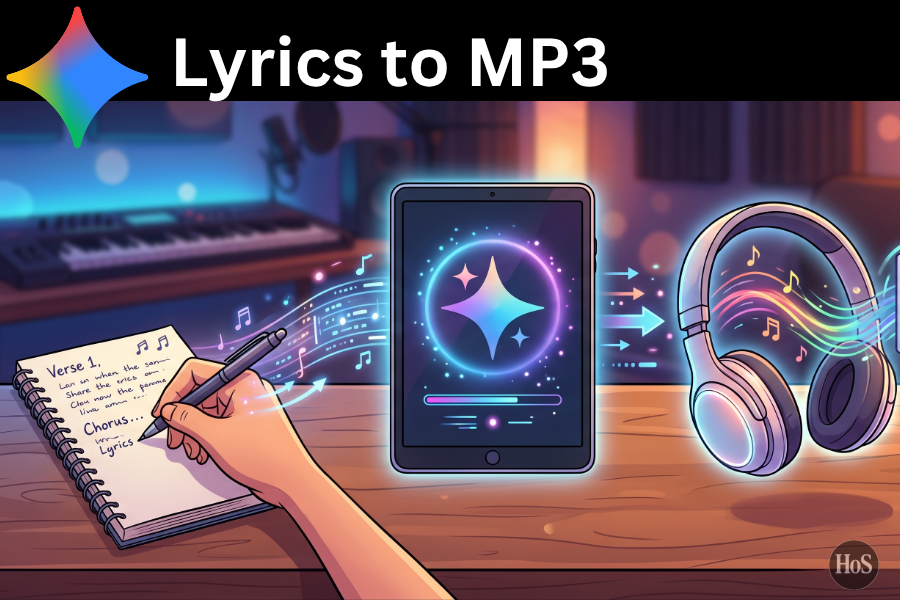
Creating a song used to mean booking studio time, finding a producer, and honestly spending way more money and energy than most people have. Now with Gemini AI and Lyria 3, lyrics can turn into an actual track in a few minutes, ready to download as MP3 and share. 🎧
This guide walks through how to turn personal lyrics into real songs using Gemini’s music tools, even if there is no music theory background or production skills at all. Gemini can handle genre, instruments, vocals, and vibe, while the focus stays on writing honest words and picking the mood. The result is a short but polished track that feels like a personal studio session in the browser. 🎵
Gemini’s Lyria 3 model is built specifically to generate music from text and even images, with control over genre, tempo, instruments, and vocal style. It can create tracks where the lyrics match the moment or turn a written idea into a full song that is easy to download as an MP3. Once a track is generated, it can be saved, downloaded as audio only, and reused however it fits personal projects. 😎
How Gemini AI Turns Lyrics Into Custom Songs And MP3 Files With Simple Prompts
Gemini’s music tool uses Lyria to take text prompts and convert them into short tracks that can include instrumentals and vocals aligned with the lyrics or mood that is provided. To make this work well, the prompt usually needs a few key details genre, tempo, instruments, vocal style, and either a topic or the actual lyrics. The more specific the description, the more the track sounds like something that would come from a real producer session.
Gemini apps let users generate music and then download it as MP3 audio files so the track is not locked inside the tool. After generating the song, the interface shows options to save or share, and one option is to download an audio only file in MP3 format. That makes it easy to drop the track into a phone, editing app, or playlist without extra conversion tricks.
Steps To Easily Turn Your Own Lyrics Into An MP3 Song Using Gemini AI
- Open Gemini and go to the music tool in the Create music section.
- Pick the option to describe a track instead of remixing an existing one.
- Paste the lyrics inside the prompt and add simple structure tags like [Verse] and [Chorus] if the song layout is clear.
- Add genre, mood, tempo, and instruments in the same prompt for example upbeat pop, medium tempo, bright synths, punchy drums.
- Decide on vocal style and mention it in the prompt like warm male vocal or airy female vocal with emotional delivery.
- Use this general prompt idea write a modern pop song with these lyrics, mid tempo, catchy chorus, electronic production, clear vocals, and make it feel hopeful and energetic.
- Hit generate and wait while Gemini builds a short track with vocals and music based on the lyrics and settings.
- Listen to the track, and if something feels off, refine the prompt and regenerate until the vibe matches the vision.
- When happy with the song, choose the download option and select audio only MP3 to save the track.
- Store that MP3 on the device, organize it in folders or playlists, and reuse it in videos, posts, or just private listening.
Writing Lyrics That Work Better With Gemini AI Music Tools And Stay Clear In The Final Song
Even though Gemini can invent its own lyrics, using personal lines gives the track way more emotional weight and makes it feel like a custom song. Clean structure helps the AI understand what is going on, so simple tags like [Verse 1], [Chorus], and [Bridge] can guide where the main hook and emotional peaks should land. Short, punchy lines often sit better on a beat than long complex sentences, which makes the final track feel tighter and more listenable.
It also helps to match the lyric mood with the genre chosen in the prompt so there is no clash between sad lines and a hyper happy EDM drop unless that contrast is intentional. If the song is about heartbreak or healing, genres like indie pop, lofi, or RnB can pair nicely. If the lyrics are confident or playful, pop, hip hop, or EDM might fit better. Thinking about that vibe match before generating keeps the final MP3 from feeling random.
Fine Tuning Prompts Inside Gemini So The Song Feels More Personal And Less Generic
The first generated track will often feel like a strong sketch, not always a perfect final version, and that is actually helpful. Each time the track is regenerated with a tweaked prompt, the sound moves closer to the exact mood that is in mind. Adjusting parts of the prompt like changing from slow ballad to upbeat anthem or swapping instruments from acoustic guitar to synth pads can seriously change the energy of the song.
Gemini’s tips for music prompts highlight the value of clearly stating genre, tempo, instruments, and vocal texture, because those details tell Lyria what kind of track to build. That same idea applies when working with personal lyrics. The more details that are added like describe the track as nostalgic, late night city vibes, smooth drums, soft piano, gentle female vocal the more the MP3 feels like it was crafted by someone who really understood the story behind the song.
Conclusion
Turning lyrics into actual MP3 songs with Gemini AI is basically a mix of good prompts and honest writing. Once the lyrics are ready and the vibe is clear, Gemini does the heavy lifting, handling the production and vocals so the focus stays on the story in the words.
With a bit of experimenting, it is easy to go from raw text to a track that feels surprisingly polished, even if no instruments are around. That makes songwriting more accessible and way more fun, turning private notes into something that can be played, shared, or kept as a personal soundtrack. 🎵
FAQs
How long are the songs Gemini creates from lyrics?
Gemini’s current music tools usually create short tracks around 30 seconds, which work well for hooks, ideas, or social content, and some setups allow longer tracks as the models evolve.
Can Gemini use lyrics in different languages?
Yes, Gemini can work with lyrics in multiple languages, including English plus other languages, and will still try to match mood and rhythm when generating the music.
Does this need music theory knowledge?
No, Gemini builds the chords, melody, and production for the track, so basic lyric writing and clear prompts are enough to get an MP3 that sounds like a real song.
Can instrumentals be generated without vocals?
Yes, prompts can ask for instrumentals only and skip vocals, which is useful for background tracks, beats, or mood music without lyrics on top.
Is the generated MP3 ready to use in content?
The MP3 file downloaded from Gemini is ready to drop into videos or projects, though it is always smart to check usage rules and stay updated on any changes in AI music policies.