-

·
10 Steps to Use AI for Automated Email Marketing on Mobile
Getting your email marketing to work right on mobile can be a pain. Screens are smaller, readers scroll faster, and competition for attention is wild. That’s where AI can make your life easier. It can write emails, schedule them at the best times, and make every message feel personal without you lifting a finger. No…
-

·
10 Steps to Recognize Fake News with AI on Mobile
We all scroll through our feeds every day, and fake news has gotten tricky to spot. Deepfakes, voice clones, and bogus posts are popping up faster than ever, and they can fool even the most tech-savvy of us. The problem is that misinformation spreads fast, stirring confusion and chaos. But here’s the good part—AI isn’t…
-
·
10 Steps to Create a Presentation Script Using AI on Android
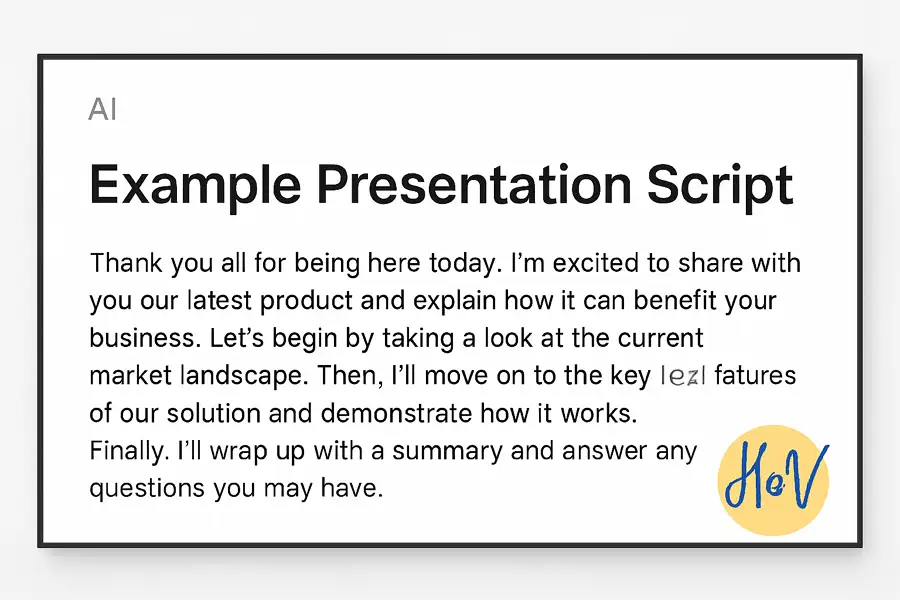
Ever tried writing a presentation script on your phone and found it way harder than you thought? Typing on a small screen feels slow, and keeping your ideas flowing gets tricky. That’s where AI writing tools step in, they can help you craft your presentation faster and easier, without breaking your focus. I used to…
-

·
10 Steps to Create Automated Stories using AI on Android
Ever wanted to generate short stories or scripts while lying in bed or commuting? 🎧 Android’s AI apps now make that so easy. You can spin up an entire story with just a few taps and let AI handle plots, characters, and even dialogues. This isn’t just for writers, it’s for anyone who wants creative…
-
·
9 Steps to Use Perplexity’s Fast Model on Android
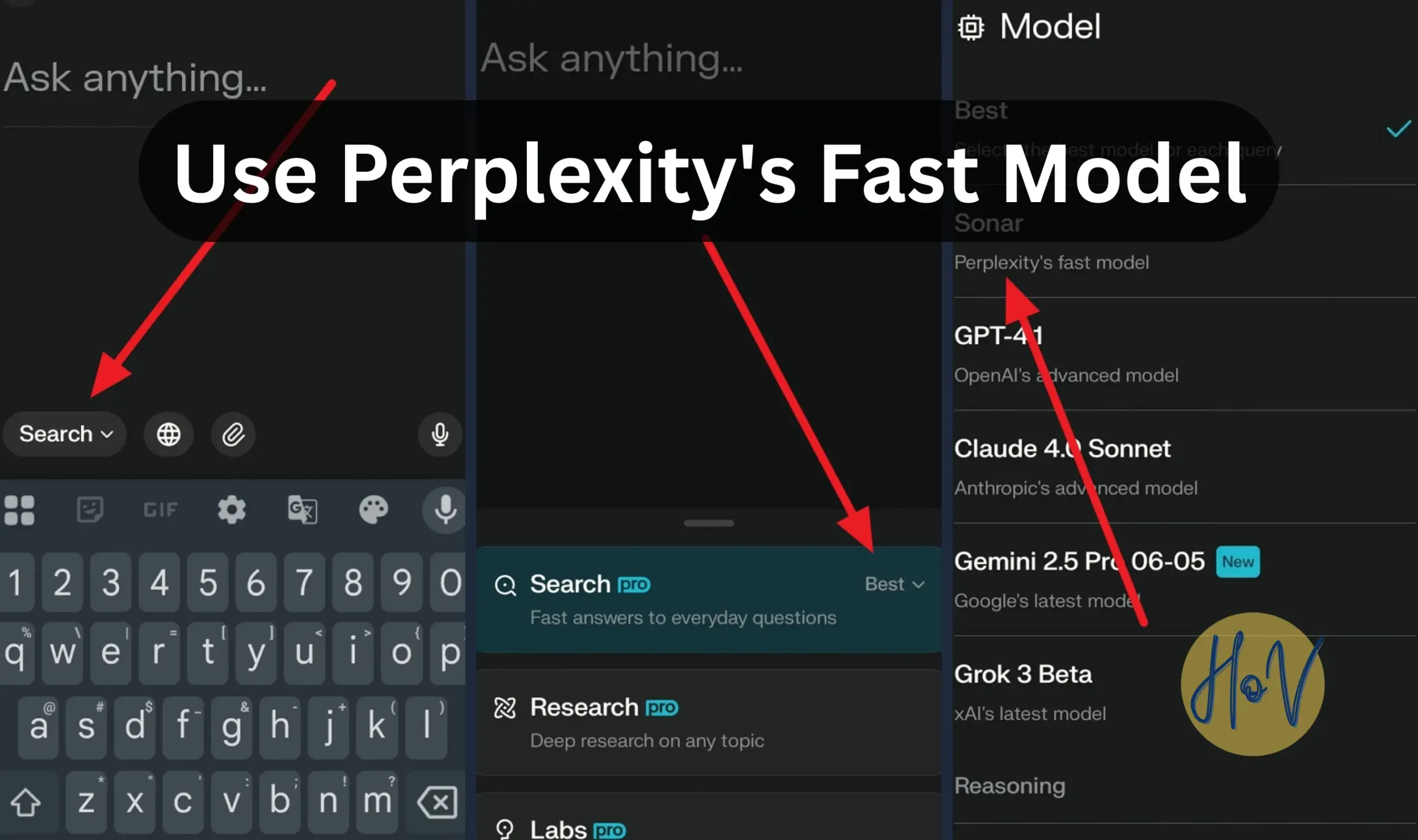
Ever used Perplexity on your phone and wished things ran even faster? Good news, the Sonar fast model is now built right into the Perplexity app for Android. It’s tuned to give quick, clear answers without the lag. If you’re a Pro user, this setup helps you save both time and patience when searching or…
-
·
10 Steps to Use Perplexity AI via WhatsApp on Android
Ever wanted to chat with an AI that gives smart, fact-checked answers without opening a browser or app? That’s exactly what Perplexity AI now does through WhatsApp. You can ask questions, fact-check info, or even create images straight from your chat screen, all from your phone 📱. I tried it, and honestly, it’s one of…
-
·
10 Steps to Using Perplexity AI for Academic Research on Android
Doing academic research can be painful when you have multiple sources to check and deadlines closing in. But using Perplexity AI on Android changes everything. It brings reliable search, instant citations, and deep research straight to your phone. You don’t need to scroll through endless websites anymore. Perplexity gives you verified info faster than any…
-
·
10 Steps to Create Automatic Logos with AI Generator on Android
Ever wanted a fresh logo but didn’t have the time or budget for a designer? Good news, AI logo generator apps for Android can handle that part now. These apps run smart design tools that can make unique and professional logos in minutes. No need to stress over design rules or complicated software. The cool…
-

·
10 Steps to Generate Automatic Subtitles using AI on Android
Tired of typing up subtitles by hand? Same here. Adding subtitles to videos manually can eat up hours, especially if you’re editing on your Android phone. Whether you’re making TikToks, YouTube videos, or Instagram Reels, clean subtitles matter, viewers scroll past fast if they can’t catch your message. The cool thing is, AI can now…
-

·
10 Steps to Analyze Simple Business Data using AI on Android
Sometimes you don’t have time to sit at your desk for deep data analysis. You’ve got meetings, clients, and reports waiting. The good news is that you can actually handle business data from your phone now, using AI apps made for Android. These tools make it easier to track numbers, find patterns, and turn data…