-
·
3 Steps to Customize Your Chrome New Tab Page
The default new tab page in Google Chrome displays the Google search box, your most visited websites, and suggested content. While this layout works well for many users, you may want to personalize it to better suit your needs and preferences. Luckily, Chrome makes it easy to customize what appears on your new tab page.…
-
·
4 Steps to Delete Duplicate Photos in Google Photos on Android
If you use Google Photos to back up and organize your photo collection on your Android phone, you may have noticed that duplicates sometimes appear. This can happen if you upload the same photo multiple times, sync photos from multiple devices, or edit and re-save a photo. Duplicate photos can clutter up your library and…
-

·
5 Steps to See Your Friends’ Activity on Instagram in 2024
Instagram is one of the most popular social media platforms, with over 1 billion active users worldwide. It’s a great way to stay connected with friends, family, and even celebrities. However, in recent years, Instagram has made changes to its platform that have made it more difficult to see your friends’ activity. In this article,…
-

·
4 Steps to Replace a Photo on Instagram After Posting
Have you ever posted a photo on Instagram, only to realize later that you used the wrong image or filter? Don’t worry, it happens to the best of us! While Instagram doesn’t allow you to directly replace a photo after posting, there are still ways to fix your post without losing your likes, comments, and…
-
·
6 Steps to Unblock Downloads in Chrome on Android
Have you ever tried to download a file on your Android phone using the Chrome browser, only to have the download blocked? It can be frustrating when Chrome prevents you from downloading files you need. Luckily, there are several ways to unblock downloads in Chrome on Android. This article will walk you through the steps…
-
·
6 Steps to Appear Offline on Facebook Messenger for Android
In today’s digital age, staying connected with friends and family through messaging apps like Facebook Messenger has become an integral part of our daily lives. However, there may be times when you want to maintain your privacy or avoid interruptions while still being able to access your messages. Luckily, Facebook Messenger offers a feature that…
-
·
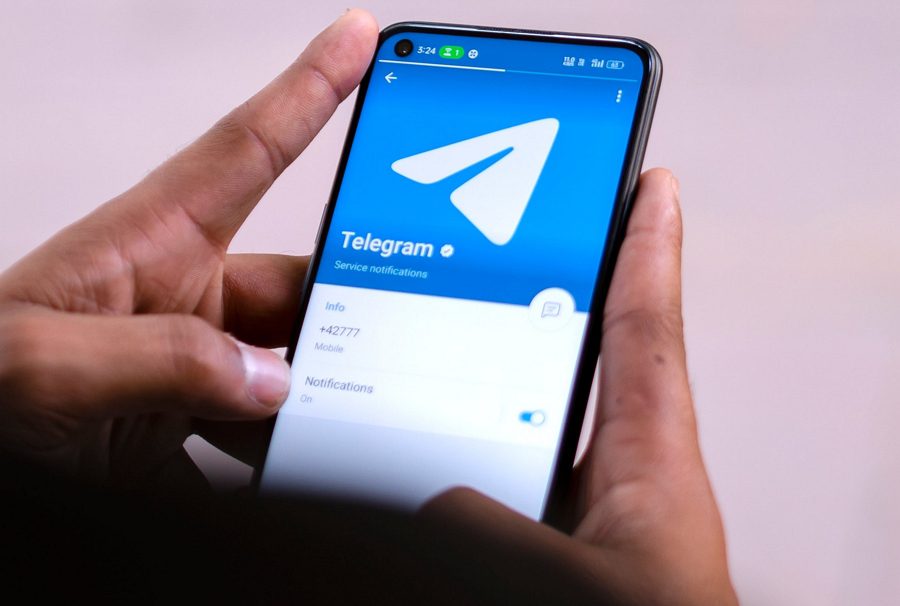
4 Steps to Add a Bot to Your Telegram Group on Your Phone
Are you looking to enhance your Telegram group experience by adding a helpful bot? Telegram bots can provide a wide range of functionality, from moderating conversations to providing useful information and even playing games. In this article, we’ll walk you through the simple steps to add a bot to your Telegram group using your phone.…
-
·
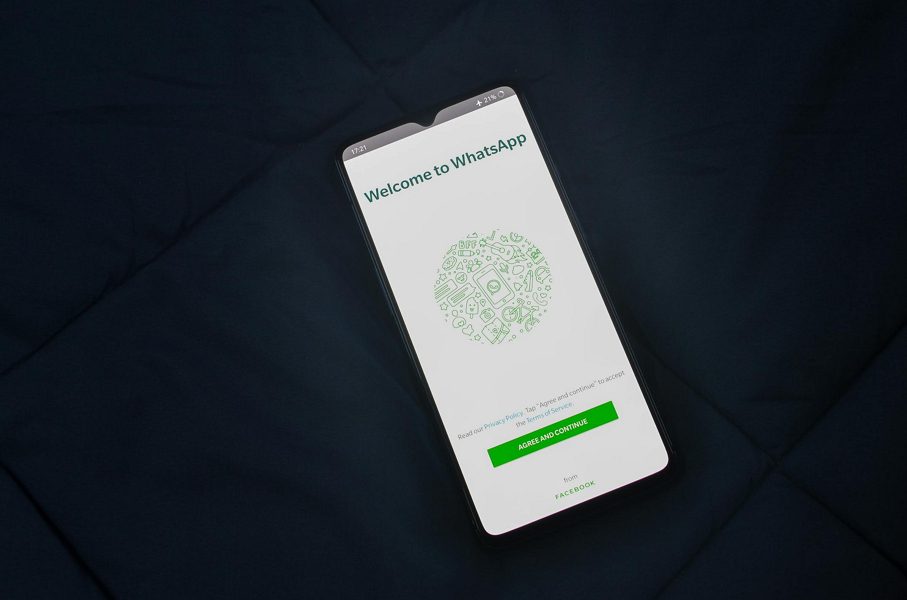
7 Steps to Change WhatsApp Business to Normal WhatsApp on Android
WhatsApp Business offers features tailored for commercial use, such as business profiles, catalogs, and automated messages. However, these features may become unnecessary if your business needs change. Switching to a personal WhatsApp account can provide a more streamlined experience for personal communication. Before we dive into the steps, it’s important to note that converting your…
-
·
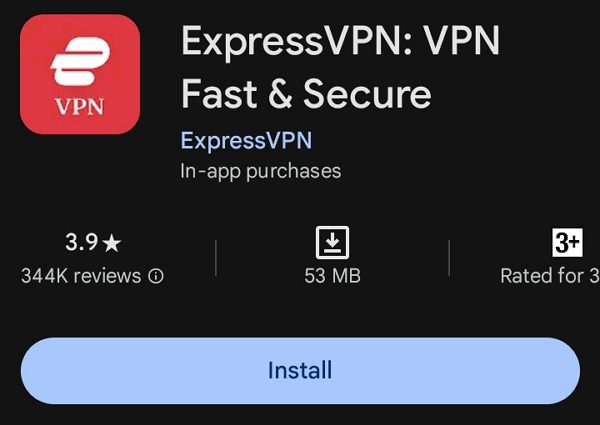
8 Steps to Use VPN in Chrome Mobile
Chrome mobile is a popular web browser for Android devices, offering a seamless browsing experience. However, like any other internet-connected application, it can leave your online activities vulnerable to prying eyes. By using a VPN with Chrome mobile, you can encrypt your internet traffic and mask your IP address, enhancing your privacy and security. Why…
-
·
5 Steps to Lock Bookmarks in Chrome on Android
In today’s digital age, privacy and security are paramount concerns for smartphone users. With our mobile devices containing a wealth of personal information, it’s crucial to protect sensitive data, including our web browsing history and bookmarks. If you’re an Android user who relies on Google Chrome as your primary browser, you may be wondering how…