-
·
10 Steps to Set Up an AI Model in Perplexity Pro on Your Phone
Ever tried to switch up the AI model on Perplexity Pro when searching from your phone? Yeah, it’s easy to get lost in the menus and settings. Most people stick with the default, but choosing the right model can make everything faster and give you more tailored results. Here, I’m showing how you can set…
-

·
10 Steps to Using Perplexity Spaces for Team Collaboration
Teamwork gets messy when information is scattered everywhere. You might have messages, files, tasks, and shared notes living in a dozen places. When you’re working with a crew, this mess slows everyone down and ideas get lost in the shuffle. That’s when Perplexity Spaces can step in to help keep things moving and everyone on…
-

·
10 Steps to Create a Book Draft Using AI on Your Phone
Ever tried writing a book draft on your phone? Trust me, I’ve faced that screen glare late at night, thumb-tapping my ideas and hitting a wall. It’s tough when inspiration comes and your laptop is nowhere. That’s where AI comes riding in to make the whole process smoother. 📱 Imagine having an assistant right in…
-

·
10 Steps to Create Quick Summaries with AI from Your Phone
Struggling to bite through endless documents or web pages on your phone? Been there. Long texts can zap your energy and kill your vibe, especially if you just want the main points for work, school, or a quick share with friends. Luckily, your phone isn’t just for selfies and scrolling. You can actually get smart,…
-

·
10 Steps to Finding TikTok Content Ideas with AI on Your Phone
So you want to drop fresh TikTok videos but keep running out of ideas? I get how easy it is to hit a creative wall or start overthinking what content your audience will vibe with. TikTok trends are changing every week, and sometimes the stuff you plan ends up feeling old by the time you…
-

·
10 Steps to Manage Customer Data with AI on Phone
So, organizing customer info on my phone used to mean spreadsheets, lost texts, and way too many calls with missing context. What a headache. Now, with AI baked into handy apps, it’s a whole new ballgame. I get instant client summaries, draft messages, and next steps, all while keeping my details neat and tidy. It…
-
·
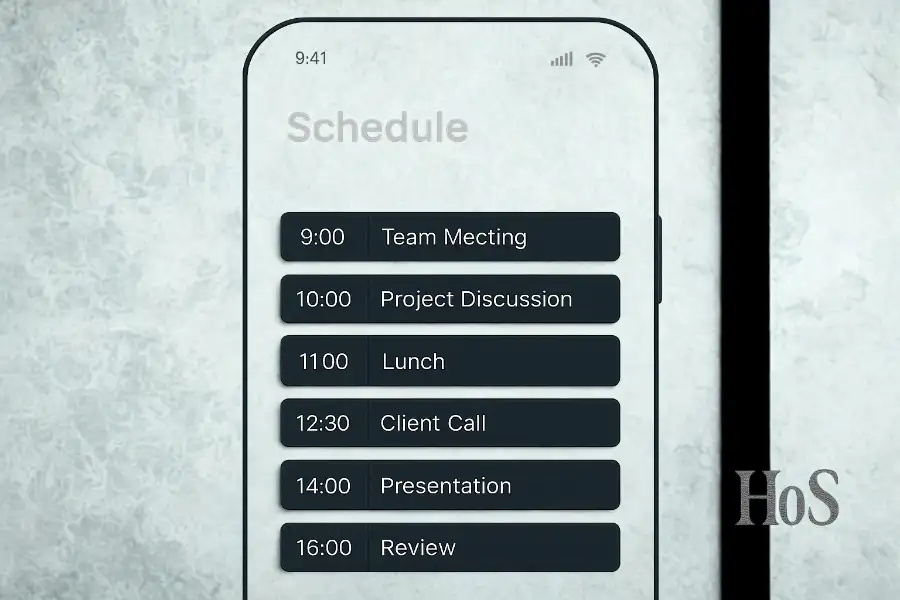
10 Steps to Make a Schedule Automatically Using AI on Your Phone
Ever feel like your calendar is running the show instead of you? 😬 Your schedule, between meetings, classes, appointments, and daily errands, finding time for everything can get messy. Phones are jam-packed with features but moving tasks around and planning stuff manually wears me out. What you really want is an automatic schedule that adapts,…
-

·
10 Steps to Detect Digital Fraud Using AI on Your Phone
Hey, if you’re worried about scammers and sneaky fraud on your phone, you’re not the only one. These days, phishing attempts, deepfake calls, and weird messages show up all the time. I used to wonder if there was any reliable way to catch the bad stuff before it’s too late. Luckily, there’s a bunch of…
-
·
10 Steps to Creating Formal and Informal Speech with AI on Your Phone
Sometimes, you need a polished speech for work or an easygoing toast for a party, but whipping up the right words can get tricky. I’ve been there too, stuck on my phone, wondering how to switch my tone from businesslike to casual in seconds. Luckily, with mobile AI tools and a few smart prompts, putting…
-

·
10 Steps to Use AI in Digital Advertising Settings on Phone
Ever tried running digital ads from your phone and felt overwhelmed? There’s more to the process than just hitting publish and hoping for the best. With AI getting smarter every day, doing digital advertising on a phone is now much easier, faster, and way less stressful. These tools can help with everything from crafting catchy…